
Before you start
To connect a brand domain to My Numberbank for QR codes powered by GS1, you must create a CNAME record with your domain provider. My Numberbank then verifies this record before the domain can be used for Digital Link redirection.
Before changing any settings. DNS updates can take up to 48 hours to propagate. If you've recently made changes, wait for the propagation period to complete before troubleshooting further.
For a step-by-step guide to setting up your own brand domain visit the article below.
Understanding domain status messages in My Numberbank
| Status | What it means | What to do | ||
|---|---|---|---|---|
| Connected | Your domain has been verified successfully | No action needed. | ||
| Pending DNS setup | DNS changes are still being updated across the internet | Wait up to 48 hours then select Retry connection. QR functionality may not become available until DNS validation is complete. | ||
| Needs attention | A configuration issue has been detected | Review the troubleshooting checklist. | ||
Troubleshooting checks
First, head to your domain's control panel to access your settings.
Different domain providers use different labels. Throughout this guide:
Host may also appear as Name
Value may also appear as Target or Points To
Check 1: Is the record type set to CNAME?
Your DNS record should be
✅ Type: CNAME
If you have created an A Record, Redirect, Alias or another record type, delete it and create a new CNAME record.

Check 2: is the Host/Name field correct?
The Host/Name field should contain only your chosen prefix.
Correct
✅ id
Incorrect
❌ id.mybrand.com
❌ www.mybrand.com
❌ digitallink.gs1uk.org

Check 3: Is the Value/Target field correct
A common error is entering your own website address as the CNAME Value/Target.
Correct
✅ digitallink.gs1uk.org
Make sure that the exact value entered is digitallink.gs1uk.org. This allows My Numberbank to verify your domain and direct QR scans correctly.
Incorrect
❌ mybrand.com
❌ www.mybrand.com
❌ id.mybrand.com
❌ gs1uk.org
This points your subdomain back to your website and cannot be verified by My Numberbank.

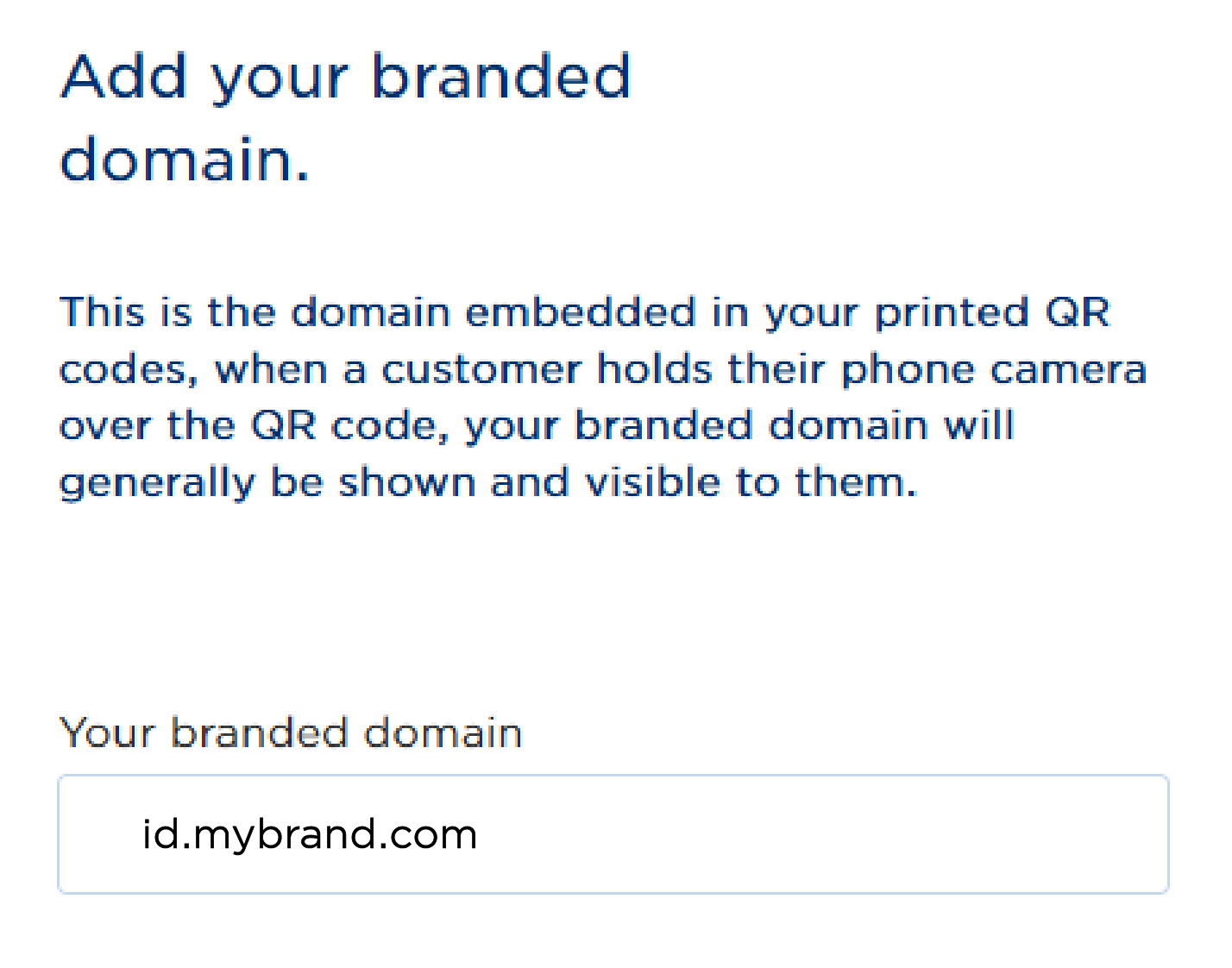
Check 4: Did you enter the full subdomain in My Numberbank?
When registering the domain in My Numberbank, enter your full subdomain.
Correct
✅ id.mybrand.com
Incorrect
❌ id
❌ mybrand.com
The full subdomain is required. Entering only 'id' in My Numberbank will result in verification failure.
Quick checklist
I created a CNAME record (not an A Record or URL Redirect)
The Value/Target field contains digitallink.gs1uk.org
I did not enter my own website address in the Value field
My Host/Name field contains only my chosen subdomain prefix (for example, id)
I've entered the full subdomain in My Numberbank (for example, id.mybrand.com)
I've allowed up to 48 hours for DNS changes to propagate
I've clicked Retry connection in My Numberbank after making changes
If the issue persists after completing these checks, contact Member Support and provide:
- Your full subdomain
- A screenshot of your DNS record
- A screenshot of the domain status shown in My Numberbank