
What is a subdomain?
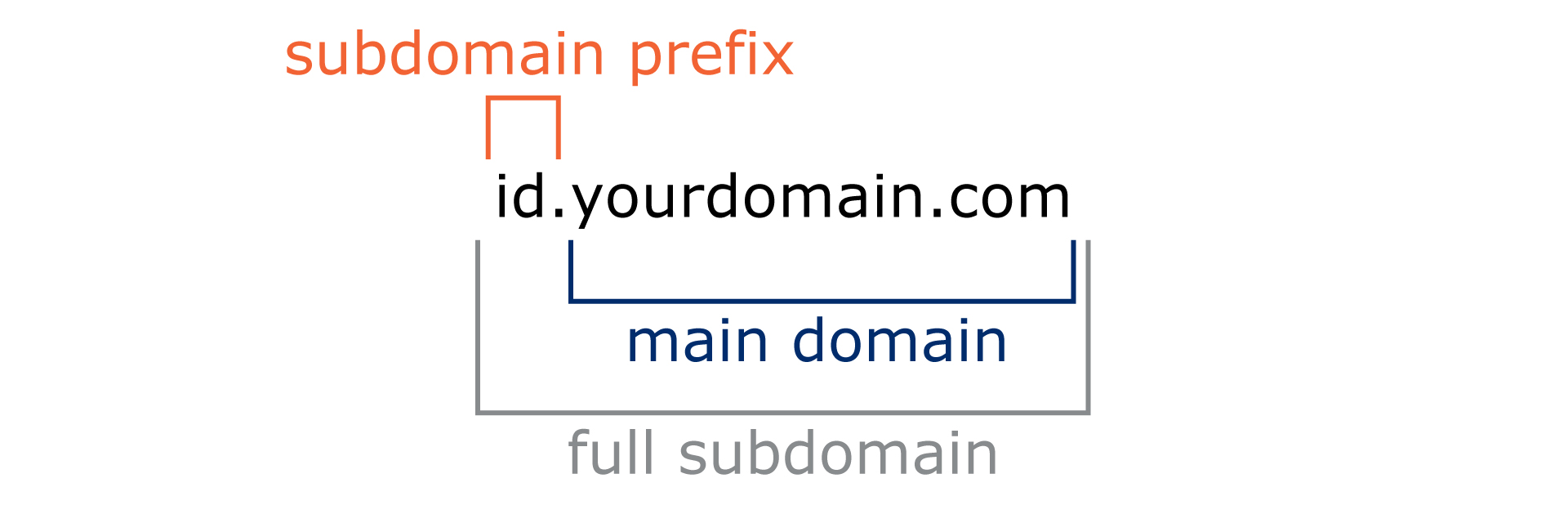
Subdomains are prefixes added to your main domain, enabling the creation of distinct sections within your website, such as blogs, support pages, or regional and language-specific versions.
Functioning as independent mini-sites under the main domain, subdomains provide enhanced organisational structure, facilitate targeted content delivery, and support increased security and controlled feature testing.
Why should I use a subdomain for my QR codes powered by GS1?
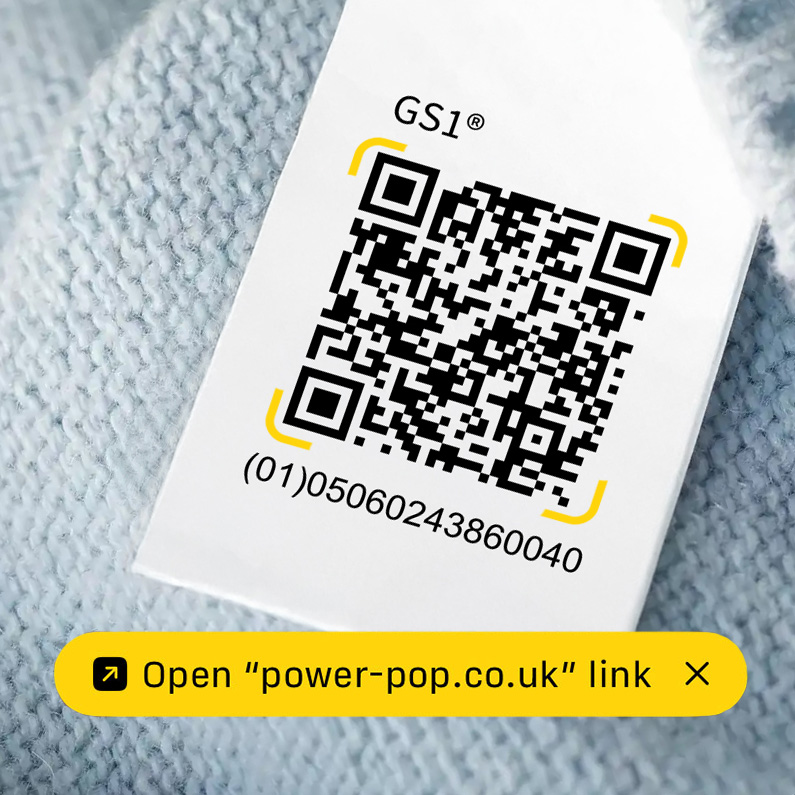
The subdomain is also the web address a phone may show as a preview when someone scans your QR code, helping users recognise your brand before they open the link.
Tip: GS1 recommends using the subdomain id (for example, id.yourbrand.com) for GS1 Digital Link URIs, but you can choose a different subdomain if you prefer.
GS1 recommends setting up a subdomain under your brand’s website just for GS1 Digital Link URIs. Since different teams often handle product identifiers and digital product information, having separate web addresses makes things clearer and easier to manage. Creating this dedicated subdomain helps keep your product identity links organised and distinct from your main website, making everything simpler for everyone involved.
Using a subdomain:
Keeps your QR code links separate from your main website.
Means you can update links or content without reprinting your QR codes.
Shows a clear, recognisable web address for users when scanning your QR codes.
What do I need to set one up?
To set up a subdomain you will typically need:
a registered brand domain (for example, yourbrand.com)
access to your domain settings (DNS) and the destination you want the subdomain to point to (for example, digitallink.gs1uk.org the GS1 UK Digital Link resolver)
In practice, this usually involves creating a DNS record (often a CNAME) so that your chosen subdomain (for example, id.yourbrand.com) points to the service that will resolve your GS1 Digital Link URIs.
Who typically sets it up?
Someone with access to your organisation’s DNS/domain provider (often IT, web operations, or your domain administrator). If you don’t have access yourself, share the subdomain you want (for example, id) and the target destination with that team.
Step-by-step DNS setup guide
For more information on setting up a brand domain click the link.