
Check what your scanners can read
Confirm that your scanners can recognise and decode:
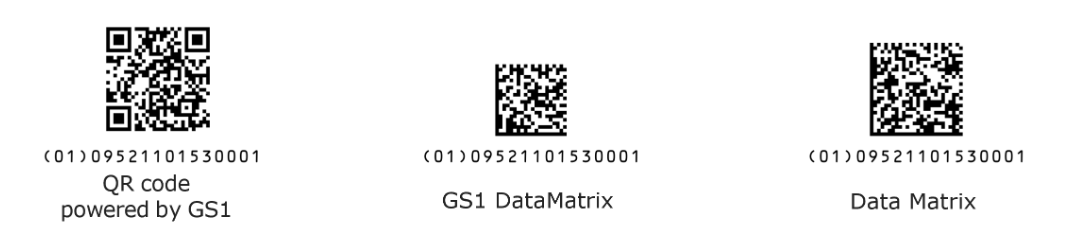
What you should test
Use the GS1 2D Barcodes in Retail test suite to:
Scan representative 2D barcodes
Check that scans return the correct product data
Validate performance in a retail checkout context
Visit the 2D Barcodes in Retail test suite below.
Make sure your POS system:
Receives the GTIN correctly
Handles GS1-compliant 2D barcode data in line with GS1 standards
Processes scanned data consistently at checkout
Check scanner behaviour when:
2D barcodes appear alongside 1D EAN/UPC barcodes
Barcodes are presented at different angles or orientations
Multiple barcodes are present on the same pack
Speak to your solution providers
GS1 recommends working closely with POS software and hardware providers when testing scanners. Solution providers can self‑assess their products against GS1’s 2D readiness criteria, including scanner behaviour, data output and configuration options.
Key questions to discuss with your provider include:
Whether your scanner model meets the GS1 retail 2D readiness criteria
Which scanning modes are supported and configured
How scanned data is prioritised and transmitted to your POS system
For more information on solution providers, see the Partner finder below.
Next steps
GS1 guidance encourages organisations to begin testing as early as possible. Early testing allows time to identify gaps, update configurations or plan upgrades well ahead of 2027, reducing operational risk as 2D barcodes become more widespread at point of sale.
Review your current scanner and POS setup
Use the GS1 2D Barcodes in Retail test suite to assess readiness
Engage with your solution providers to confirm alignment with GS1 standards
Plan any updates or changes needed ahead of 2027