
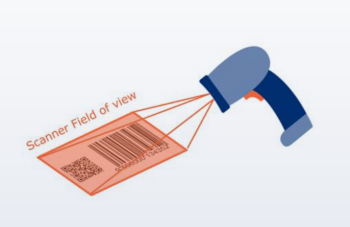
There are three key software modes available for scanner configuration.
Retailers should collaborate with their scanner solution provider to find out the modes their systems are technically capable of.
How it works
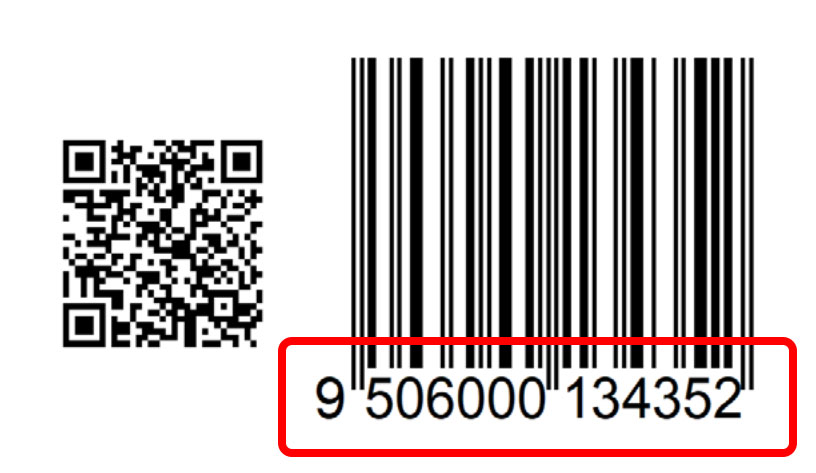
The scanner identifies the first GTIN it finds, whether from a linear or 2D barcode, and sends only the GTIN to the POS system.
After transmitting the GTIN, the scanner waits for the next item before scanning again.
Benefits of Mode 1
Minimal software updates. Because only GTIN data is sent, most POS systems can continue to process data exactly as they do today. In many cases, no additional changes are required.
Faster checkout. The scanner delivers the first GTIN detected, supporting a faster POS.
No host updates for GTIN conversion. If the scanner further converts 14-digit GTINs to GTIN-8/12/13, the POS host system may not require any updates.
How it works
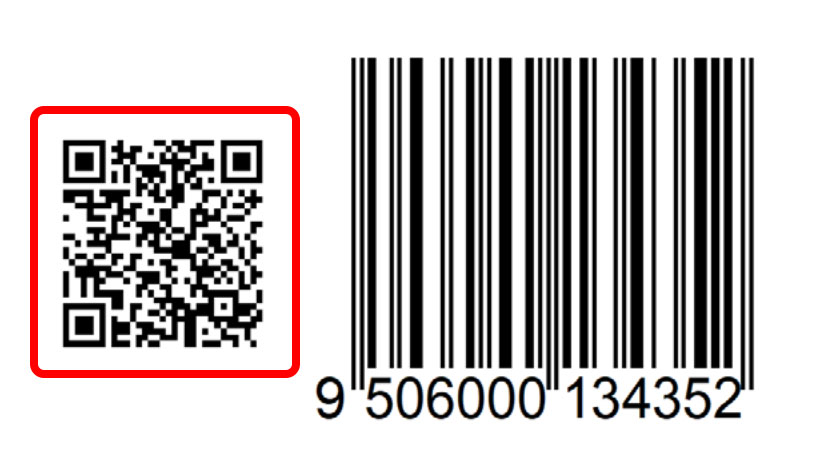
The scanner looks for a GS1‑compliant 2D barcode first and decodes it before anything else.
It sends the GTIN plus any additional data carried in the symbol, such as batch/lot number or expiry date, in GS1 Element String format.
If no 2D barcode is found, the scanner falls back to the linear barcode.
Benefits of mode 2
Unlocks 2D value. Enables data‑rich use cases; traceability, expiry date management, waste reduction, right at POS.
Keeps software updates simpler. Mode 2 processes either the linear or 2D barcode data, reducing complexity.
Detects mismatched GTINs. Identifies conflicting GTINs when the linear barcode scans first to prevent unintended POS transactions, especially during the transition phase when incorrectly encoded 2D barcodes may appear.
Processes all GS1‑compliant 2D barcodes seamlessly. Mode 2 converts the 2D barcodes into a consistent GS1 element string format. This means systems that already handle GS1 DataBar Expanded Stacked or GS1 DataMatrix can also process QR Codes and Data Matrix using GS1 Digital Link URI.
How it works
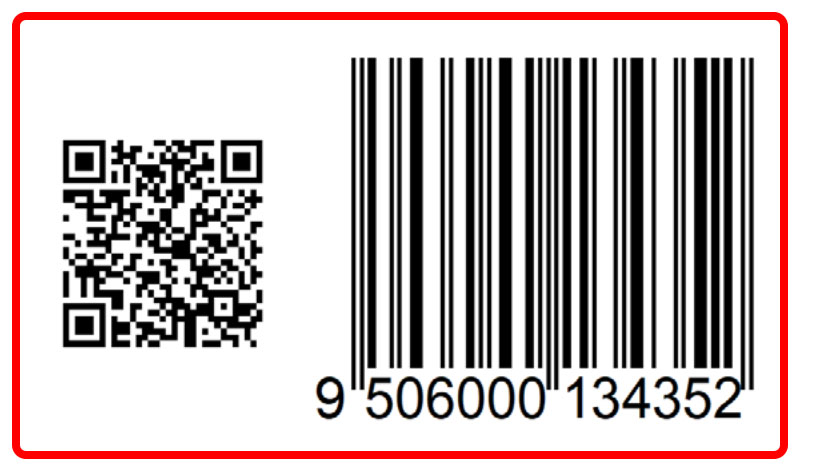
The scanner identifies all GS1‑compliant barcodes (linear and 2D) on the product.
It sends the full set of data in a single scan, and generates an 8‑digit label ID to link all barcodes to the same trade item.
Benefits of mode 3
Most comprehensive option. Ensures all product data is consistently captured with no loss of information.
Future‑ready. Ideal for environments where products may carry multiple barcodes during the transition to 2D or for industries with complex data requirements.
Detects mismatched GTINs. Identifies conflicting GTINs when the linear barcode scans first to prevent unintended POS transactions, especially during the transition phase when incorrectly encoded 2D barcodes may appear.
Starts the price lookup immediately. The first GTIN scanned is processed (linear or 2D), then automatically captures any additional data from the same product.
Ensures clean and accurate transactions. Only one set of product data is processed and triggers only one acknowledgement beep when GTINs match.
Processes all GS1‑compliant 2D barcodes seamlessly. Mode 3 converts the 2D barcodes into a consistent GS1 element string format. This means systems that already handle GS1 DataBar Expanded Stacked or GS1 DataMatrix can also process QR Codes and Data Matrix using GS1 Digital Link URI.
Note: The minimum requirement for the Ambition 2027 is software Mode 1.
For more information about these scanning modes and your POS system's capabilities, check your scanners capability on the Global Office site and contact them for more information.