As an Admin contact on an account, you can manage user access and permissions. This ensures the appropriate people have access to your account.
Managing users and permissions
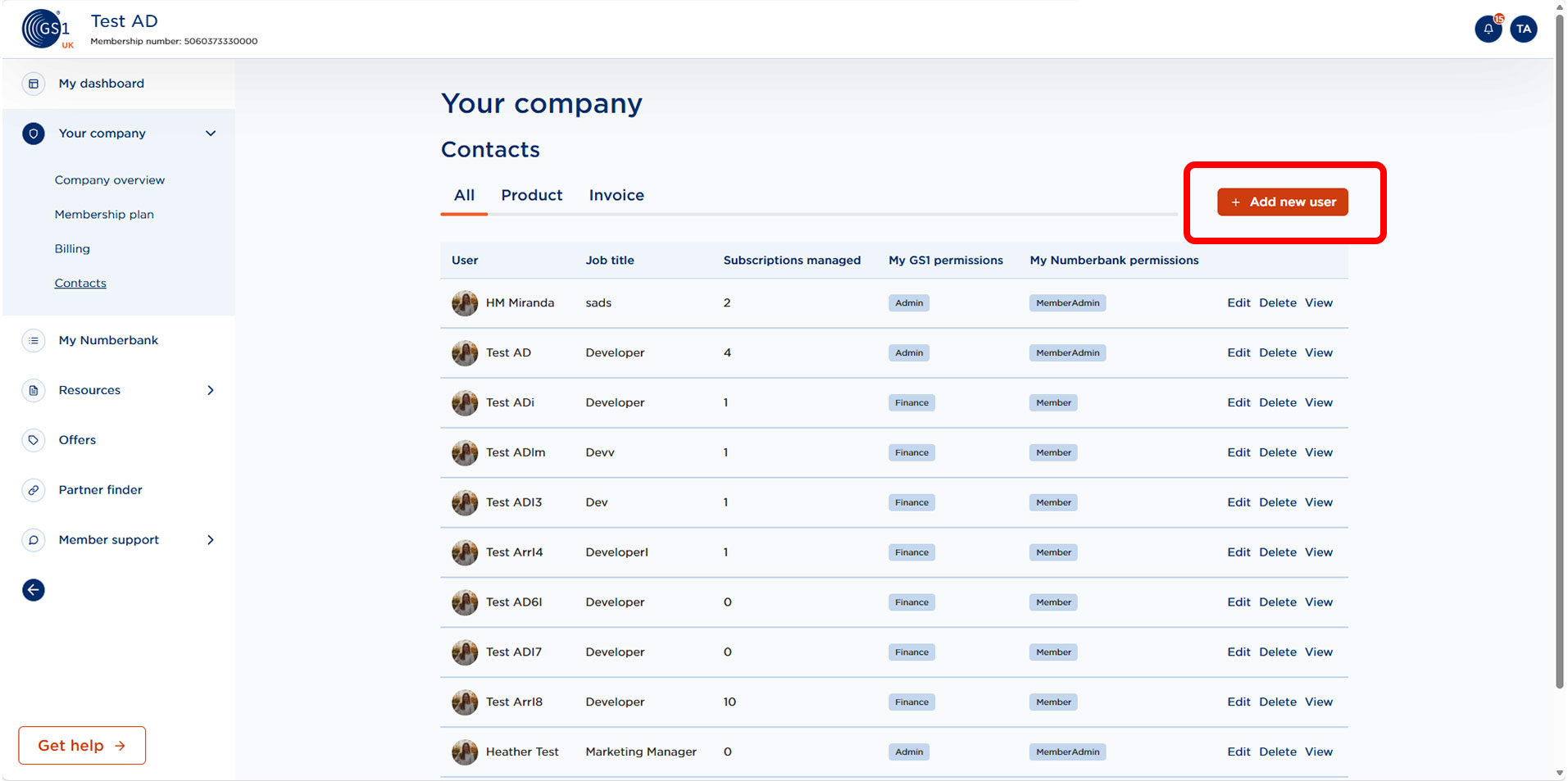
User details can be viewed and edited by selecting Contacts within Your Company on MyGS1. New users can be added by selecting Add new user.
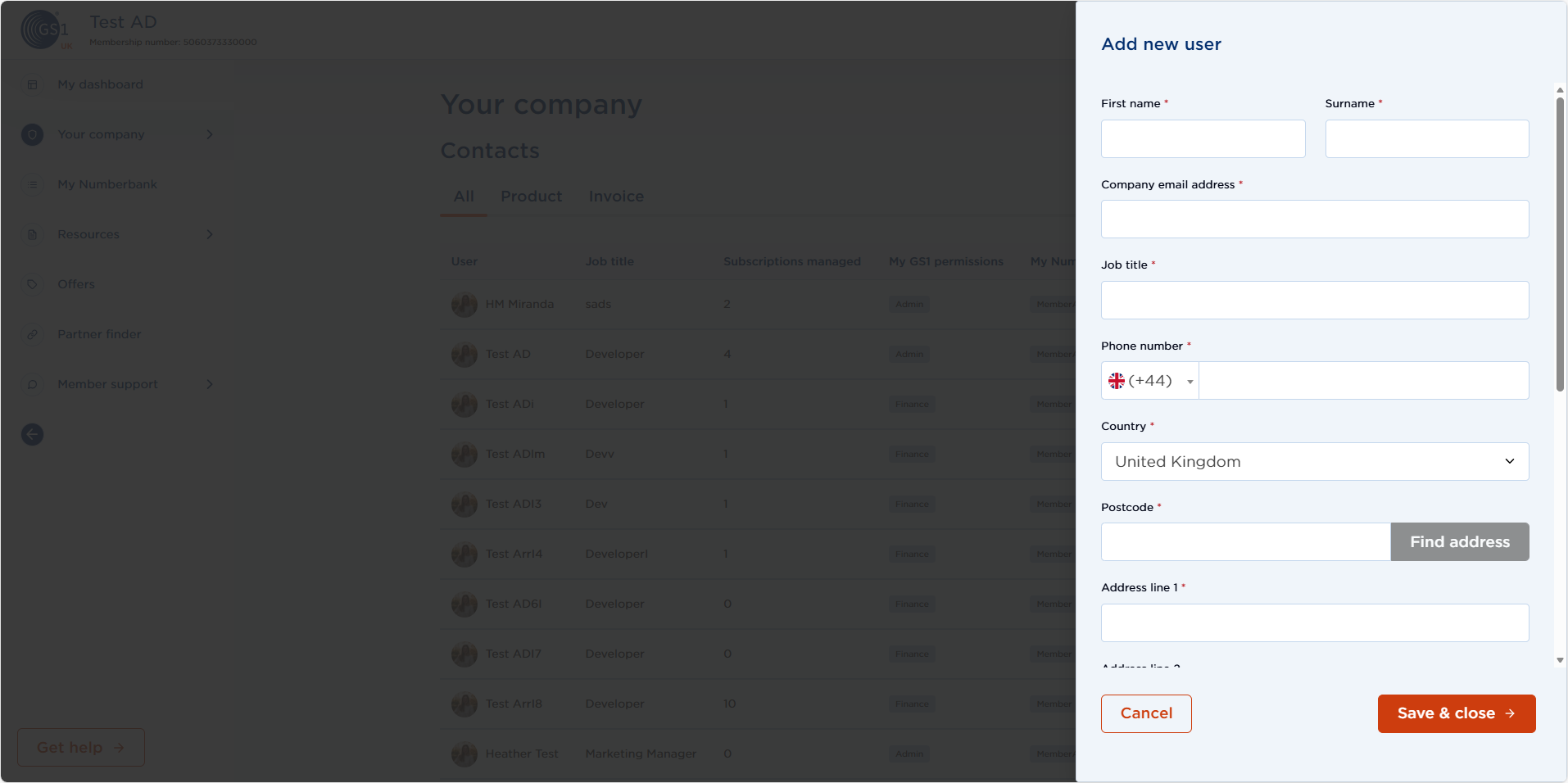
From here you can enter your new user details and set their permission level.
User permission levels
| Admin | Database | Finance | ||
|---|---|---|---|---|
| View My Numberbank | ✅ | ✅ | - | |
| Assign GS1 identifiers | ✅ | ✅ | - | |
| Access certificates | ✅ | ✅ | ✅ | |
| Purchase image credits | ✅ | ✅ | - | |
| View billing | ✅ | - | ✅ | |
| Add/remove users | ✅ | - | - | |
| View events and training | ✅ | - | - |
Setting invoice and product contacts
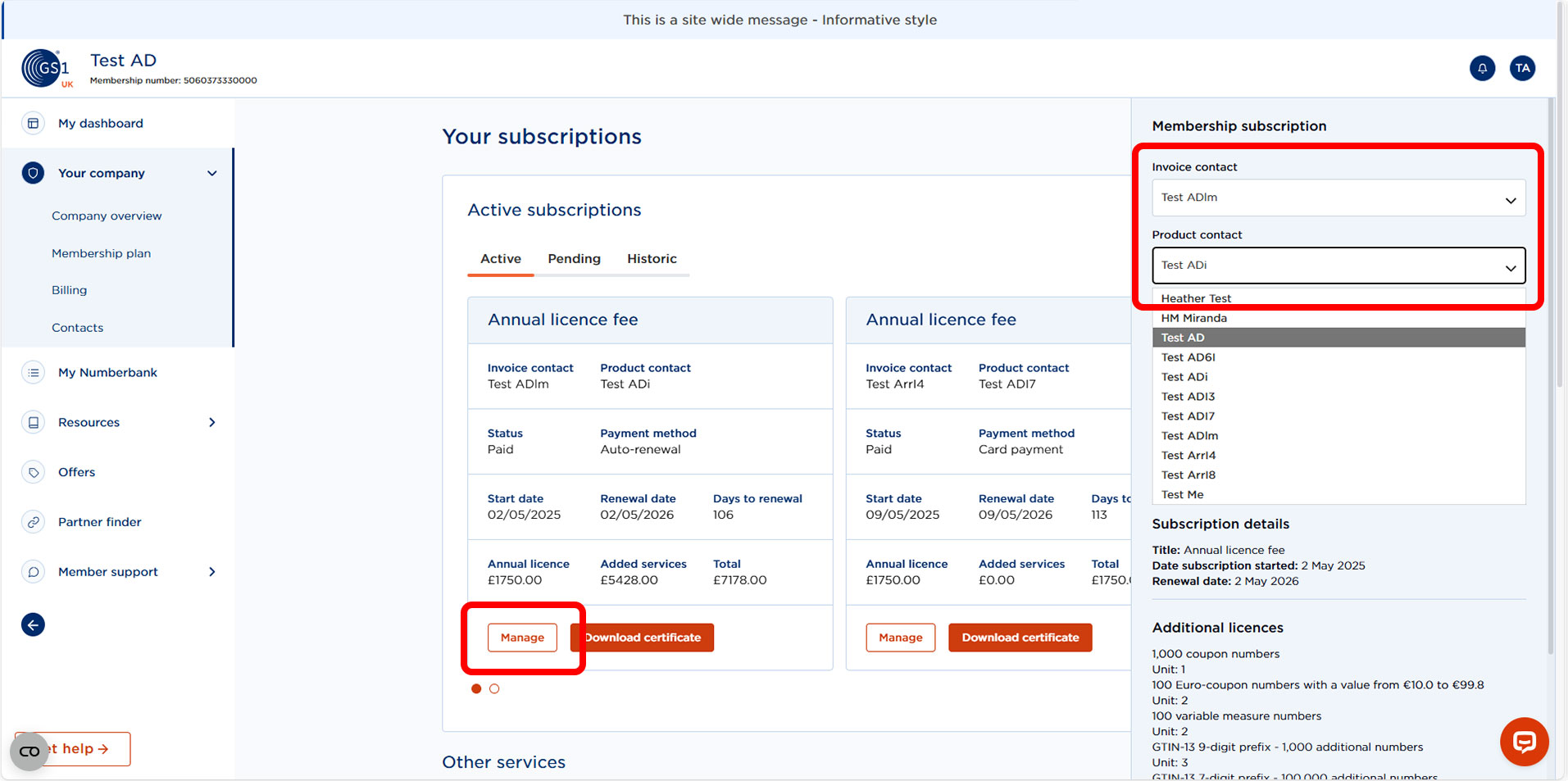
To set your primary contacts for invoicing and product information, select Manage from your relevant subscription and locate your contact name from the drop down list. You can invoice and product contacts for each subscription you have.